Dreamz Studios
https://dreamz-studios.com/mcpHow to connect →Films4
Simulations1

Find your world. Then make your film in it.
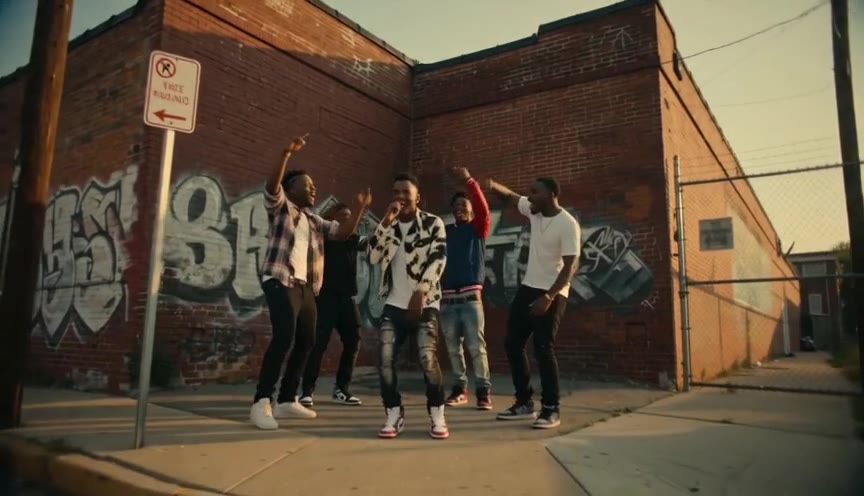
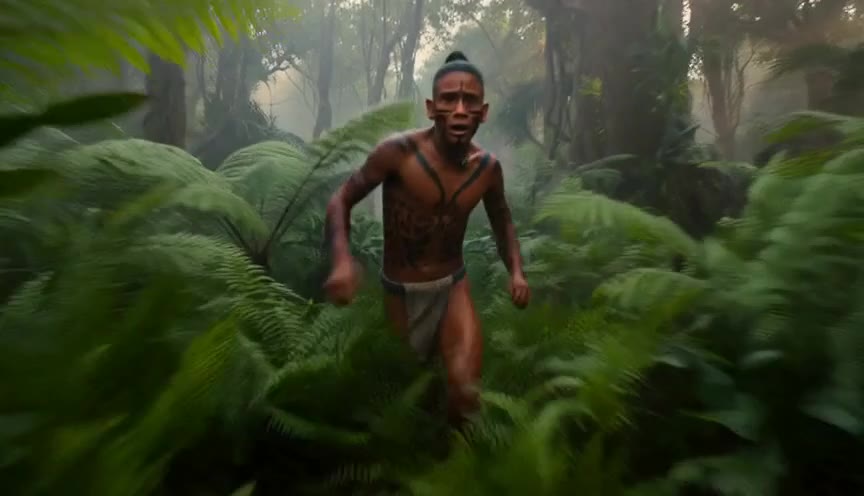
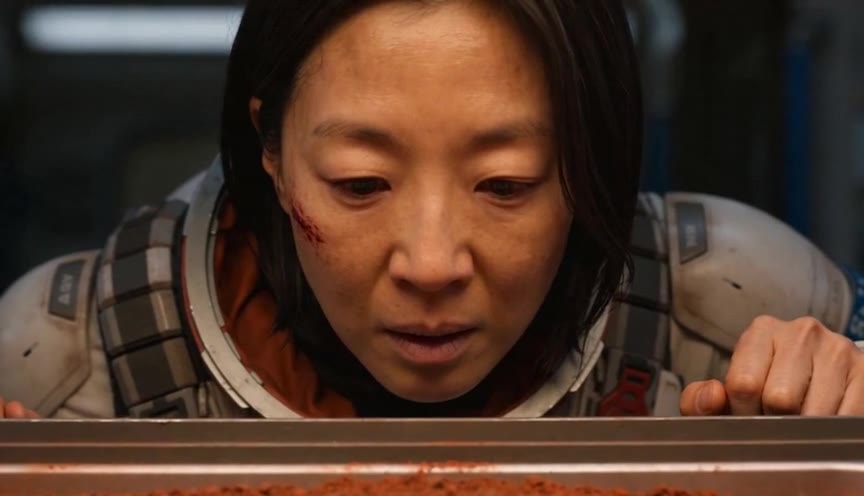
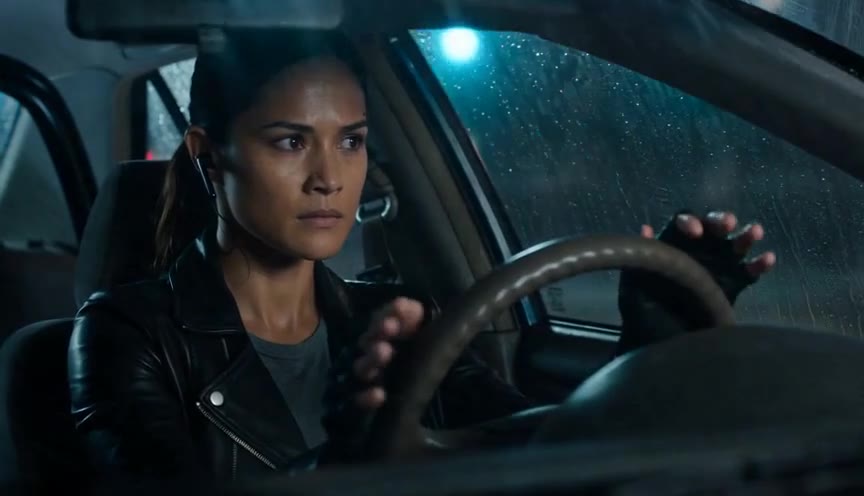
Twenty-five universes, each with its own look, places and people. Browse the posters, open one, and the studio starts with that world already chosen.
“For a century, making a film meant crews, budgets and years.
Now it means describing it well.”
Describe it
A scene, a story, a product — in plain words. Dreamz writes the script, casts the characters and designs the shots.
Say go
You see the exact price in the chat and approve it. Nothing is charged before that, and the price you approve is the price you pay.
It lands in the chat
Video, dialogue, music and lip-sync come back as one finished film, usually in minutes. Download it and share it anywhere.
How to ask
The sentences that get exactly the film you pictured.
You never need to learn our words for things. But a handful of ordinary phrasings work better than others here, because they line up with how the film is actually made — and most of the time the difference between “close” and “that’s it” is one of them. Copy these, change the details, send.
“A 30-second vertical film for Instagram about my new lens. Use my product photos — case, opening, lens close-up. Give it music, nothing sung. A card at the end reading exactly: INTERCHANGEABLE LENS.”
“These 8 photos in this order, 5 seconds each, slow push in on every one. No new people. My words over them, warm and quiet.”
“Use her face from photo 1. Rainy street at night, neon behind her. She says: ‘We were never lost. We were early.’ 15 seconds, 720p.”
Introducing
Dreamz Phantasos 1.0
The studio you write to has a name. Dreamz Studios is the house; Phantasos is the model you actually talk to — the one that reads what you wrote, plans the film, prices it before anything runs, and holds you to nothing you did not ask for. 1.0 is what is running today. When it learns something, the number moves, so you can tell what changed.
What you can make
Some of the things you can make
These are examples, not a menu. You are talking to the studio, so the real answer is that if you can describe it, you can ask for it — whether or not it appears below.
What you can bring
Your own material, and what happens to it
| You send | What happens to it |
|---|---|
| Photos of people | Cast as photographed — the same face in every shot, never redrawn. |
| Product photos | Pinned into the cut you name. With your photo on record, the studio may not invent a stand-in. |
| A page or grid of photos | Cut into separate pictures and shown back to you labelled, so you can say which are right. |
| Old or damaged scans | Cleaned first if you ask — sharper, same people, same tone. |
| A song | Measured for its sung lines, so a film can sit on the part you choose. |
| A video clip | Restyled, edited, or used as a reference for the look only. |
| Your logo | Used as your real file — never lettering the engine draws. |
| Your outro | Remembered once, then reused on every later film. |
| A voice recording | Used as the narration over the picture. |
| A YouTube link | Read for the look you want to emulate. |
What it costs
Every number before anything runs
| A film | 480p | 720p |
|---|---|---|
| 15 seconds | $3.08 | $6.58 |
| 30 seconds | $6.16 | $13.16 |
| 60 seconds | $12.32 | $26.32 |
| Also | Price | |
|---|---|---|
| A screen film (site, app, prices) | $0.10 | drawn in code — any length, every word exact, re-draws are free |
| A song | $0.08 | per generation — two takes when the provider returns two, you pick |
| A music artist | $0.07 | two portrait takes, charged once |
| An image | $0.07 | each; a poster is one image |
| Trim, cut, reorder, burn in text or a logo | $0.05 | on a delivered film |
| Export another aspect, a thumbnail, a teaser | no render | nothing new is generated, so there is nothing to render |
| Re-render one shot | by its length | far less than remaking the film |
- Films come in 15-second steps. Anything in between rounds up — ask for 20 seconds and you get 30.
- Say the number for quality: 480p or 720p. “Premium” and “cinematic” choose nothing; without a number you get 480p.
- The price you are shown is the price you are charged, and nothing is charged until you say go.
What the conversation itself costs
Nothing here is free, and we would rather say so plainly than surprise you on a bill.
- The studio thinks with an AI model on every message you send. That is charged at what it actually used — not a flat fee. A short answer costs cents; a turn where it reads ten photographs and writes you a screenplay costs more.
- It is charged as it happens, turn by turn, and every charge appears in Billing → Usage. Your balance moves as you talk.
- If the studio makes a mistake, its own thinking is not charged to you.
- The work inside a film — writing the screenplay, casting the faces, planning the cuts — is already inside the film’s price and never billed on top of your quote.
So when this page says a thing has no render charge — an export, a thumbnail, a teaser, going back a version, joining two films — it means nothing new is generated, so there is no render to pay for. The conversation that asks for it is still a conversation.
Your website, your app, your prices
A film of something that lives on a screen
What you want to show IS words and screens — your site, your app, an offer, a price list, how something works. This one is DRAWN in code, not filmed by the engine, and that changes everything about it.
Say it like this“A 30 second video of my site, awaken.co.il — the join page, then a real member’s page, then the price: 19₪ a month.”
- Every word comes out EXACT — your spelling, your price, your URL, in any language including Hebrew. Nothing redraws them, because no engine ever touches them.
- Narration in your language, spoken and laid under the picture. Hebrew works; the video engine’s language list does not apply here.
- Changing the words or the timing afterwards costs nothing — it is re-drawn, not re-generated.
- It arrives as a normal film: a card on your profile, versions, the same as any other.
Watch out. It cannot photograph anything real — no faces, no rooms, no places. If you want a real photograph behind the graphics, say so and it is quoted separately. And send screenshots of your site if you have them: a film of your ACTUAL screens beats a drawing of them.
Your own pictures, moving
A film made of your photographs
You have photos — a trip, a wedding, a person you miss — and you want them to move, in your order, with your words over them.
Say it like this“These 8 photos, in this order. Each photo is its own shot, 5 seconds each, a slow push in on every one. No new people, nothing added. My voice over the top: ‘…’.”
- Each photo becomes its own shot and is the actual frame the film starts from — your picture, not a redraw of it.
- That shot is rendered on its own, so nothing repaints the faces in it.
- The lengths you gave are the lengths used.
Watch out. Do not describe what is in the photo. “A family of four on a beach at sunset” next to your photograph makes the engine follow the words and invent a different family. Say only how the camera moves.
Changing something in a picture you already have
“Image to image” — the words that keep your own picture
You want the same photo, with one thing different: shorter hair, no scratch, a cleaner background, the jacket in blue.
Say it like this“Take photo 2 and make her hair shorter — image to image, keep everything else exactly as it is.”
- Your actual pixels are edited and the result is refit to your original framing.
- One change, everything else held.
Watch out. Asking for “a picture of a woman like the one in photo 2, but with shorter hair” makes a NEW picture of a different woman. The words “image to image”, or simply “edit this photo”, are what keep yours.
Putting your people somewhere new
A face you gave us, in a scene we build
You want your person — or your product — inside a scene that does not exist yet.
Say it like this“Use her face from photo 1. Put her on a rainy street at night, coat collar up, neon behind her.”
- The face is cast from your picture and held across every shot of the film.
- The scene around it is built from your words.
Your product
The product in the film is the one you photographed
Your packaging, your label, your object — recognisably yours.
Say it like this“Use my product photos. The case in shot 3, opening in shot 4, the lens in close-up in shot 5. Don’t change the label or the finish.”
- Each picture is pinned into the cut you named, so nothing has to guess where it belongs.
- If your photo of the product is on record, the studio is not allowed to generate a stand-in of it.
Watch out. Three things are measured to go wrong — say it differently and they do not: a whole kit coming apart in one continuous stretch (the engine draws more pieces than exist — give each group of parts its own beat and say how many there are) · holding an exact photographed finish to the end of a 30-second unbroken take (the finish wanders — cut to the hero instead of travelling to it) · several titles inside one long moving take (some are skipped — give each title a beat where the camera settles).
Sound — the one people get wrong
Wanting music does not mean wanting a music video
You want the film to have music. You do not want a song written, and you are not making a music video.
Say it like this“Give it music — something warm underneath, nothing sung.”
- The film gets its own sound bed, made together with the picture, as part of the same render.
- You are never asked to choose between kinds of music engine — that is our problem, not yours.
Music video — who sings each shot
Say, shot by shot, whether she sings on camera or the song plays under the picture
A music video where the artist is on camera for some lines and other lines play over pictures — and you, not the studio, decide which.
Say it like this“0:03–0:07, “Hey, lot of noise out there” — medium on ROSA at the parapet, singing to camera. 0:35–0:39, “But remember, we’re one family” plays under it — a kitchen, a grey-haired man hugs a woman. Keep my seconds exactly.”
- A shot with the sung words written on it and “singing to camera” (or “lip-synced”, or “performance”) is performed: the artist’s face from your photo sings that line.
- A shot marked “under the vocal” or “b-roll”, or simply carrying no line, is picture only — the song plays over it and nobody mouths the words.
- Say “you choose” and the studio picks for you: the chorus goes on the face, the verses play under pictures.
Watch out. A shot with no sung words under it cannot be a singing shot, however you mark it — there is nothing for the mouth to follow. And a family in a kitchen cannot sing the artist’s line: if you want the whole chorus on her face, the cutaways have to be shots of her.
How a film is actually built
Takes and cuts — what you can ask for
You want to direct the shape of it: how many shots, how long, how fast it cuts.
Say it like this“30 seconds, eight shots, roughly four seconds each — open wide, then push in tighter every shot.”
- A film is generated in takes of up to 30 seconds. A 60-second film is two 30s takes; a 45-second one is 30 + 15. The shortest piece that can be generated at all is 4 seconds.
- Inside one take the film can cut on command — about nine cuts per 15 seconds is what we plan for, and eight cuts inside a single 15-second take is measured and proven.
- So: fast cutting is fine, and you do not have to lengthen a film to fit your pictures in.
People talking
Lines, voices and languages
Someone in the film should speak — your words or their own.
Say it like this“She says: ‘We were never lost. We were early.’ Close on her face.”
- A quoted line is what she says — delivered naturally, lip-synced on a face we hold from your photo. You give the direction; the phrasing is the actor’s.
- Say “in her own words” and the performance is looser still — the idea rather than the sentence.
Words on screen
Titles, names and cards
Text that appears in the film — a product name, a date, a closing line.
Say it like this“A card at the end reading exactly: INTERCHANGEABLE LENS.”
- Anything in quotes is used exactly as written — spelling, capitals and all.
- Titles land most reliably on short, settled cuts.
Watch out. Several titles inside one long moving take often come back with only one drawn. Give each title its own beat, or ask for cuts through that section.
Footage you already have
Changing your own video
You have a clip and want it restyled, or one line replaced.
Say it like this“Here is my clip — restyle it for winter, same motion, and have him say ‘we open Monday’ instead.”
- The motion is kept frame for frame; the look, wardrobe or lighting changes.
- One take of up to 30 seconds at a time — a longer clip is trimmed first.
Watch out. The engine cannot extend a clip, and a replaced line means the audio is re-performed — ask to lay your original sound back over the picture afterwards if you want the original voice.
After it is delivered
Fixing one thing without remaking the film
The film is back and one moment is wrong.
Say it like this“In shot 4, the sign should read OPEN — redo just that shot.”
- That single moment is re-generated and spliced back in, which costs far less than remaking the film.
What is kept for you
You never have to send it twice
| Every face you locked | bring anyone back in a later film by name |
| Your music artists | the same singer, look and sound, across everything |
| Your outro | uploaded once, reused for good |
| Every version of every film | nothing you paid for is thrown away |
| Your uploads, and what you told us they are | correct us once and that is what they are called from then on |
What the engine struggles with
Said before you pay, not after
You can always have it exactly as you wrote it — say the word and that is what we make. This is only so the choice is yours.
| Asking for | What tends to happen | What works |
|---|---|---|
| A whole kit coming apart in one continuous stretch | more pieces than exist — four arms for one pair of glasses | each group its own beat, with a count on every piece |
| An exact photographed finish held to the end of a 30s unbroken take | the shape stays, the finish wanders | cut to the hero rather than travelling to it, or keep the take near 20s |
| Several titles inside one long moving take | some drawn, some skipped | give each title a settled beat, or cut through that section |
| The same person twice in one shot | unreliable | two shots |
| An exact crowd count | approximate | describe the density, not the number |
The six that cost people a film
Say this, not that
| Instead of | Say | Because |
|---|---|---|
| “A video of my website with the prices on it” (expecting filmed footage) | “A screen film of my website — the pages, and the price on screen” | Both reach the same place, but the second tells the studio at once that the words must be EXACT — so it draws them instead of asking an engine to paint them. |
| “Make a picture like photo 2 but younger” | “Edit photo 2 — image to image — make her younger, keep everything else” | The first makes a new person. The second keeps yours. |
| “I want music, like a music video” | “Give it music underneath — it’s not a music video” | A music video is built around a song and is as long as the section you pick; an ordinary film just gets its own sound. |
| “Premium quality please” | “720p” | “Premium” chooses nothing. The number does. |
| “Make it 20 seconds” | “Make it 30 seconds” (or accept the round-up) | Films come in 15-second steps; 20 becomes 30. |
| A photograph plus a description of what is in it | The photograph plus only the camera move | Words beat the picture — describing it invents a replacement. |
| “Show the whole kit exploding apart” | “The frame first, then the lenses, then the small parts — three beats, two lenses only” | One continuous explosion comes back with more pieces than exist. |
And when you would rather not think about any of this: say what the film is for and who is in it. The studio asks for whatever else it needs.
Start a filmStart free. Pay for what you make.
Membership gets you into the studio and sets how much video you can make each day. The films themselves are paid for with credit — you see the exact price and approve it before anything renders, and credit never expires.
Free is a real plan, not a trial: 4 minutes of video a day and 20 a month, no card to sign up, no watermark, and everything you make is yours to sell commercially. Paid plans have a daily allowance and no monthly limit. A plan sets how much you may render — the films themselves, and the studio's replies while you plan them, are paid for with your own credit, which never expires.
A 30-second film costs $6.16 at 480p or $13.16 at 720p — 15-second blocks, from 15 seconds up to a few minutes. A song is $0.08. See full pricing →